
Yari (槍),
the samurai's spear.
An honorable, powerful defense against phishing and cybercrime.
Coming soon to the Chrome Web Store
What it looks like

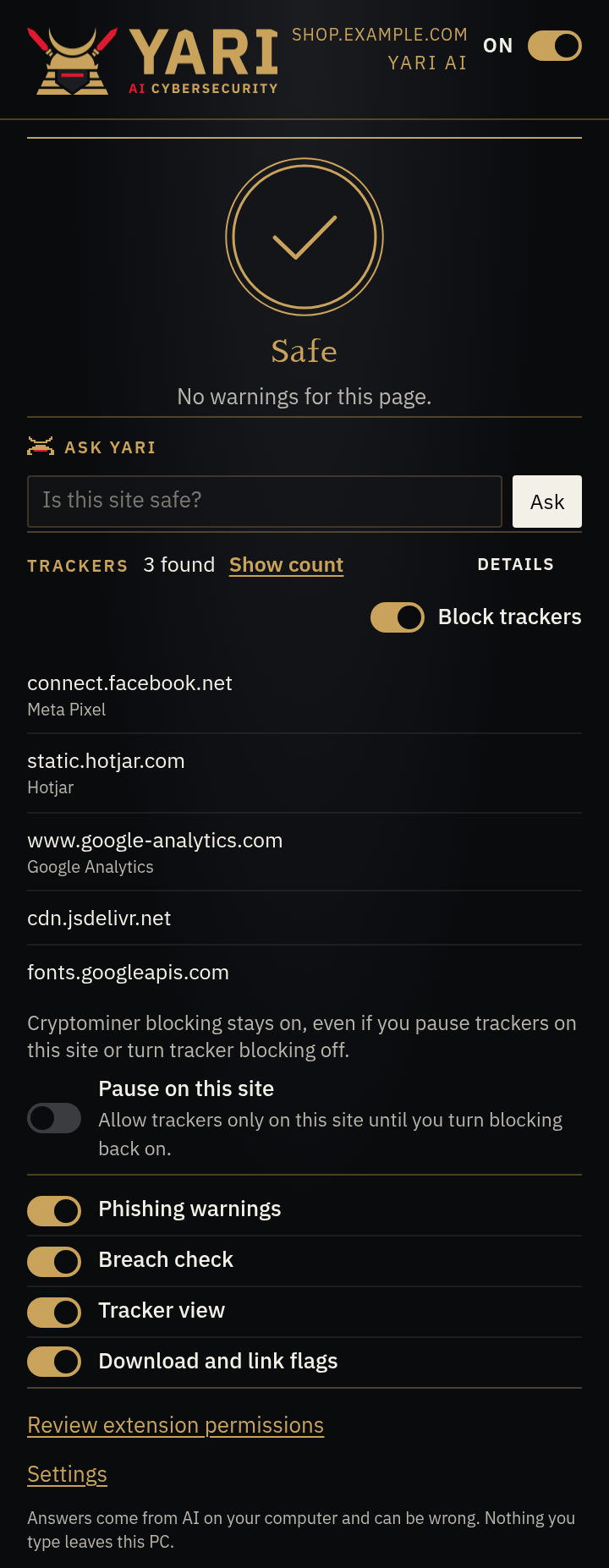
What YARI does
-
Look-alike sites
Warns when a site’s address looks like a well-known brand but isn’t.
-
Scam tricks
Flags a dangerous command on the clipboard, a fake tech-support scare, or a download that starts unasked.
-
Password check
Checks a typed login password against known breaches without sending the password itself.
How YARI's AI works
Ask YARI and the scam reader use Chrome’s built-in on-device model (Gemini Nano). Nothing from those features is sent to a server; if the model isn’t available, the scam reader skips, and Ask YARI explains that Chrome’s built-in AI is needed.